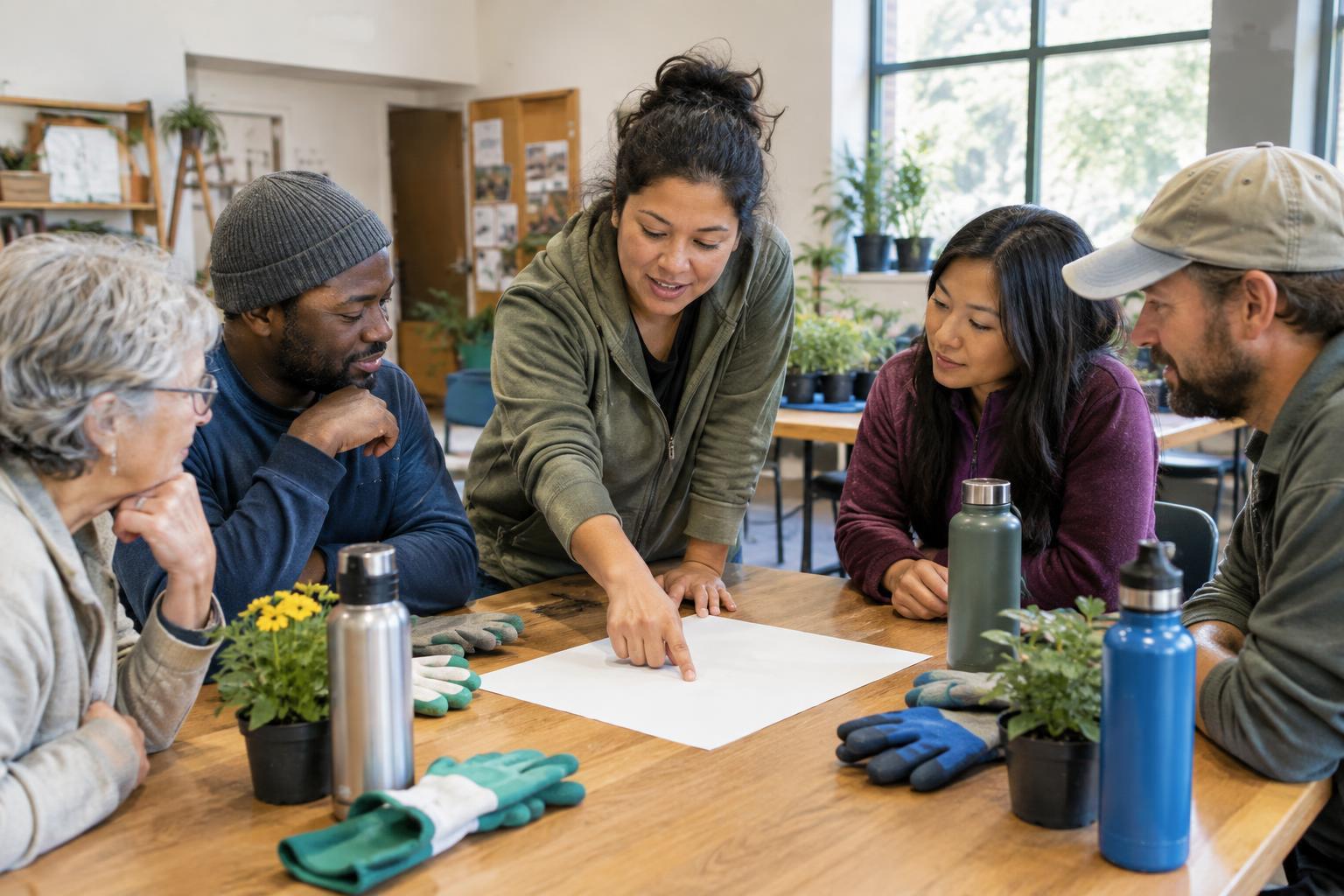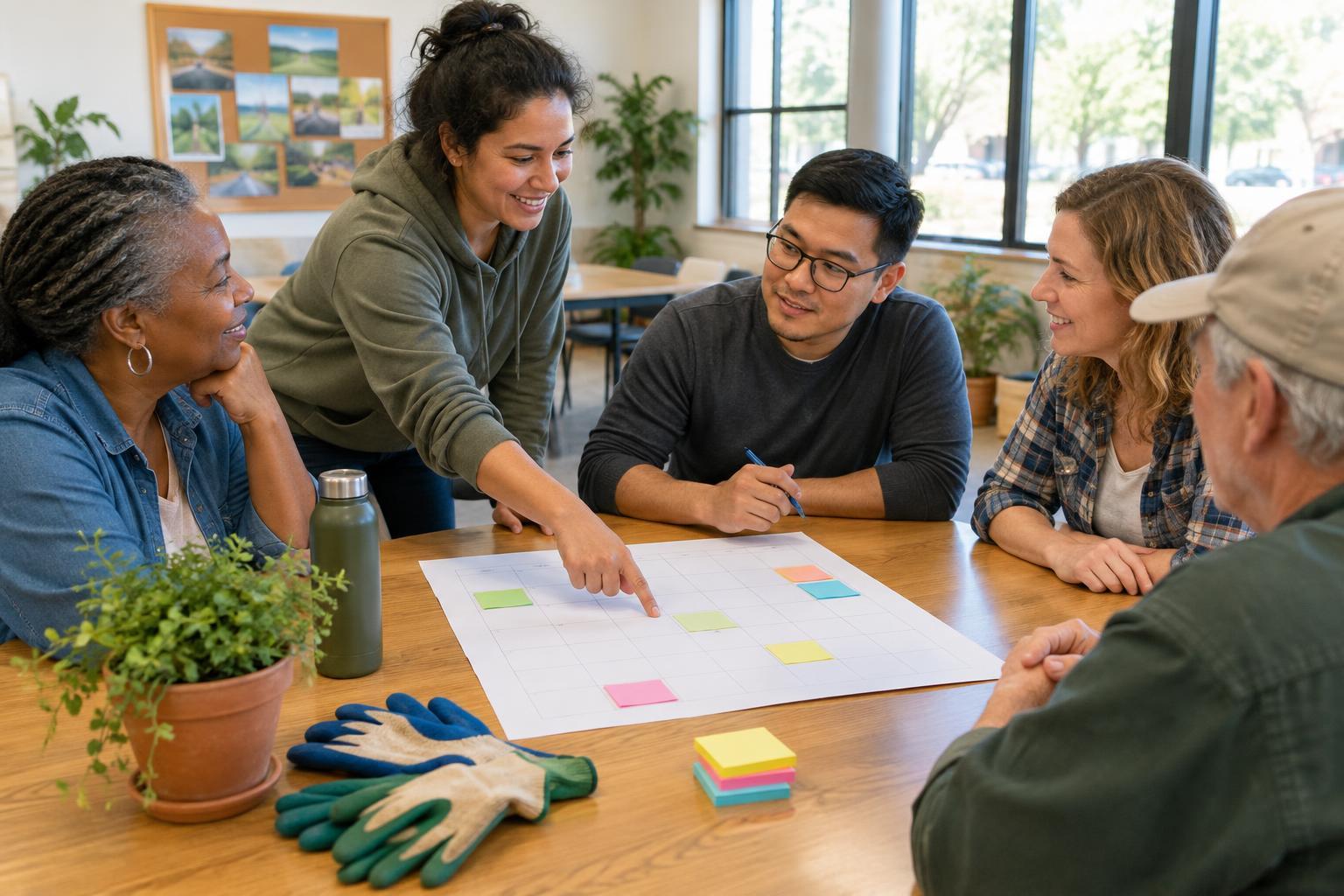
Start with the work, not the form
Before asking anyone to sign up, list the jobs your project needs. For a community meal, those might include setting up tables, welcoming guests, serving food, washing dishes, and putting supplies away. For a neighborhood cleanup, they might include handing out materials, working in small areas, and collecting filled bags. Describe each role in a sentence so a first-time volunteer can tell what they would be doing.
Next, decide how many people each job needs and when the work must happen. Be realistic: a short list of well-defined roles is easier to fill than a long list of vague requests for help. If a task requires lifting, standing for a long time, or using particular equipment, say so. Where possible, offer other ways to contribute so people can choose work that suits them.
Build shifts people can understand
Give every shift a start time, an end time, a role, and a meeting place. Include enough time for volunteers to receive instructions and finish the task; a shift that ends exactly when an event closes may leave no one available for cleanup. For longer projects, shorter shifts can make it easier for people to participate without committing their whole day.
A simple schedule might have separate slots for preparation, the gathering itself, and cleanup. If a handoff matters, allow a little overlap so the arriving person can hear what has been done and what remains. Decide who will serve as the point person for each period. Volunteers should not have to guess whom to ask when supplies run low or plans change.
Choose one easy way to sign up
A paper sheet, shared document, or basic online form can all work. Choose the option your volunteers are likely to use, and keep the information requested to a minimum: name, chosen role and shift, and a way for the coordinator to reach them. If you use a public sign-up sheet, avoid displaying personal contact details where everyone can see them. Keep any private list with the person coordinating the schedule.
Make the sign-up easy to scan. Put the project name and location at the top, followed by the date, shifts, brief role descriptions, and the number of openings in each slot. Explain how someone can ask a question or volunteer without using the chosen form. One clear alternative, such as contacting the coordinator directly, helps include people who prefer not to sign up online.
Confirm the plan and prepare for gaps
After someone signs up, send a short confirmation with their role, shift time, meeting place, and coordinator contact. Closer to the project, a friendly reminder can help people find the details again. Keep these messages brief and useful. If volunteers need to bring anything, wear suitable clothing, or arrive at a particular entrance, include that information rather than assuming they already know.
Tell volunteers how to report a cancellation, and check the schedule regularly enough to notice open slots. A few people may be willing to serve as backups, but ask them explicitly rather than treating an open slot as their responsibility. If a role remains unfilled, consider simplifying the plan or combining tasks. A smaller project that runs smoothly is often better than a crowded schedule that depends on every slot being filled.
Make the day welcoming, then learn from it
At the start of each shift, greet volunteers, point out supplies, and explain what success looks like for their role. Keep instructions short enough to remember, and make space for questions. Someone volunteering for the first time may not know local routines or where basic items are stored. A warm welcome and a clear task can help them feel useful right away.
When the project ends, thank volunteers and check that the last shift is not left with unexpected work. Afterward, note which slots filled quickly, which tasks needed more time, and whether the sign-up method was easy to use. Those notes can improve the next schedule. The goal is not a perfect system; it is a dependable invitation that respects people’s time and helps neighbors work well together.